


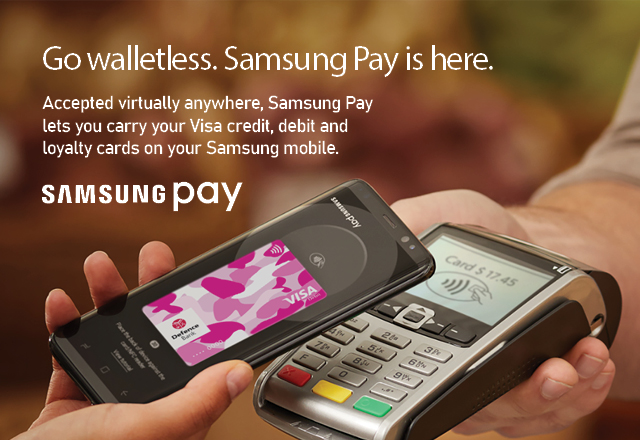
Pay with Samsung Pay anywhere^ you can tap or swipe your Defence Bank Visa Debit or credit card.
Designed to be secure
Your payment information is protected using several layers of security and it is not stored on your device or shared with retailers. When you pay every transaction is authenticated by your fingerprint, Iris scanner* or device passcode.
Simple to use
With a simple and intuitive user interface, payments can be made in a matter of seconds. Activate Samsung Pay with an upwards swipe to select your Defence Bank Visa card before authorising payment.
More than just payments
Slim down your wallet by adding your favourite loyalty cards to Samsung Pay to quickly access them whenever, wherever†. With in-built barcode scanning technology, Mobeam, your loyalty card barcodes can be successfully scanned at retailers.
Getting started is simple
Get started today in three simple steps:
- Open the Samsung Pay app and sign in with your Samsung ID.
- Register your fingerprint and device passcode which you’ll use to authorise payments. Members with a Galaxy S8 or Galaxy S8+ can also scan their irises for iris authentication.
- Scan or enter your Defence Bank Visa Debit or credit card details.
- Verify your card details and enter the verification code.
For more information, visit samsung.com/au/apps/samsungpay.
Need Help? Call us on 1800 033 139.
To view our Digital Wallet Terms and Conditions click here. For Samsung Pay-specific terms, please refer to the Samsung Wallet app.
^ Contactless transactions using NFC and iris scanner authentication must be completed with a compatible device. For details, refer to Samsung Pay on their website at https://www.samsung.com/au/samsung-pay/.
*Only compatible on select devices.
† Loyalty cards are not available on Samsung Pay on Gear.